

Supported carriers
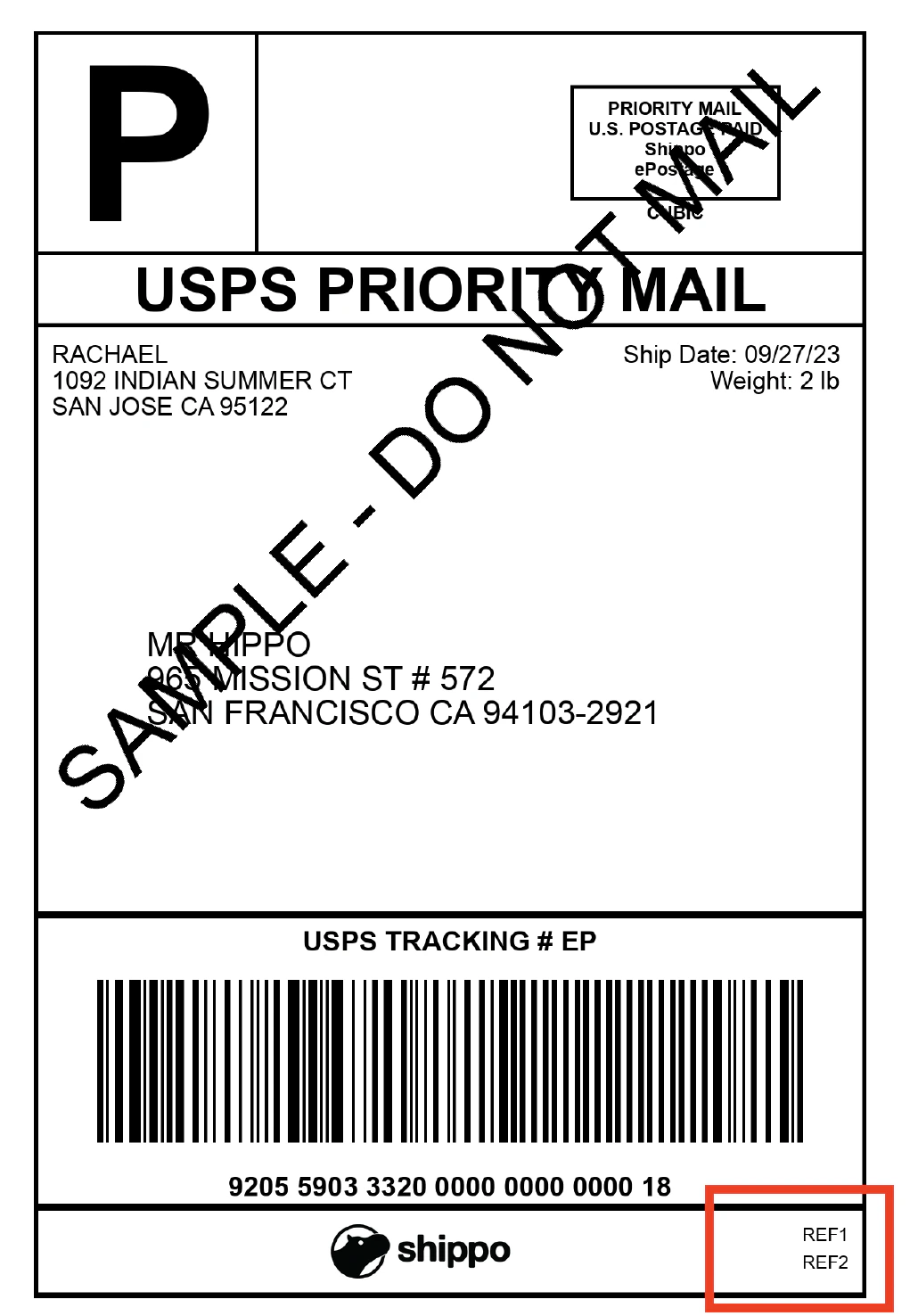
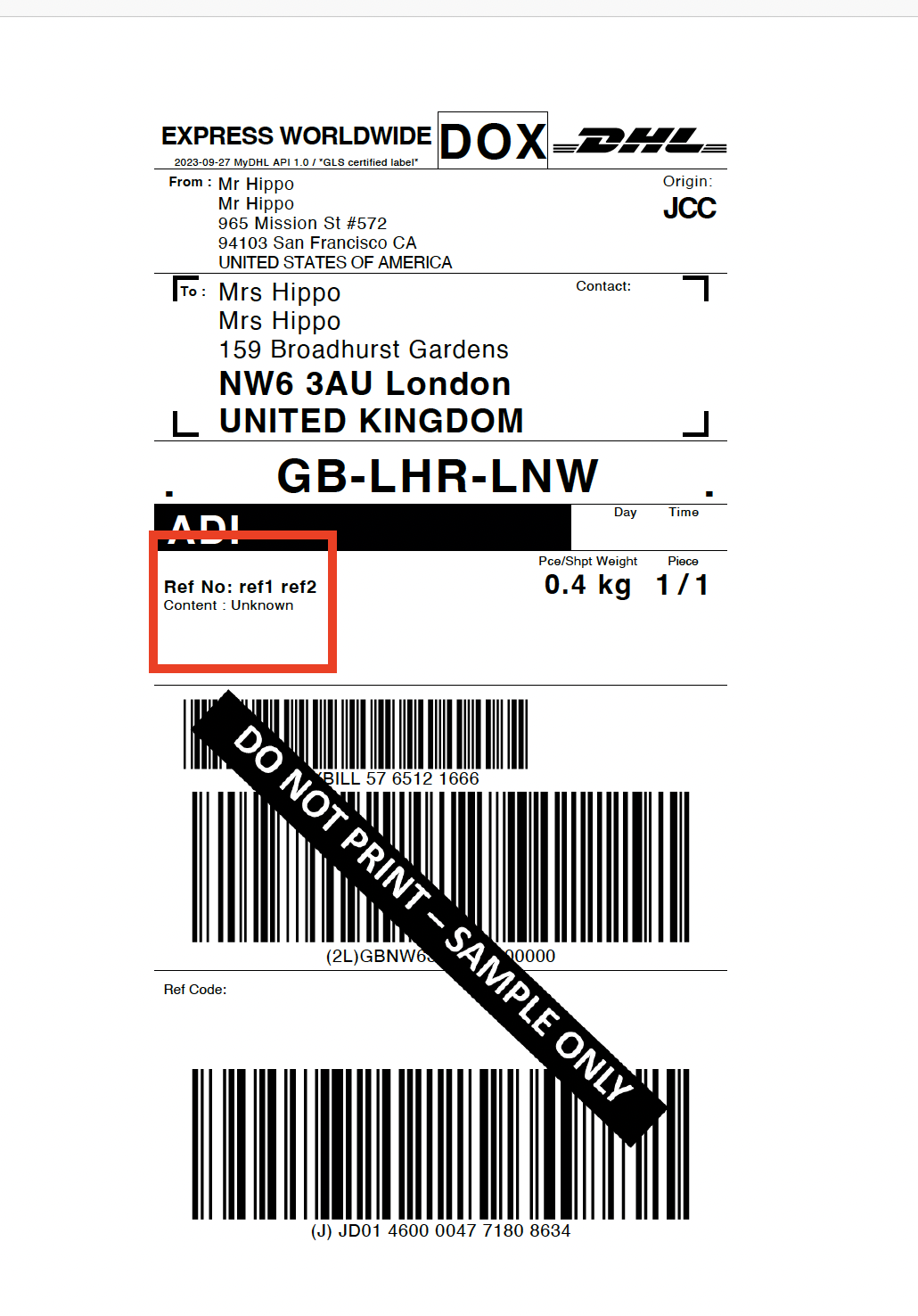
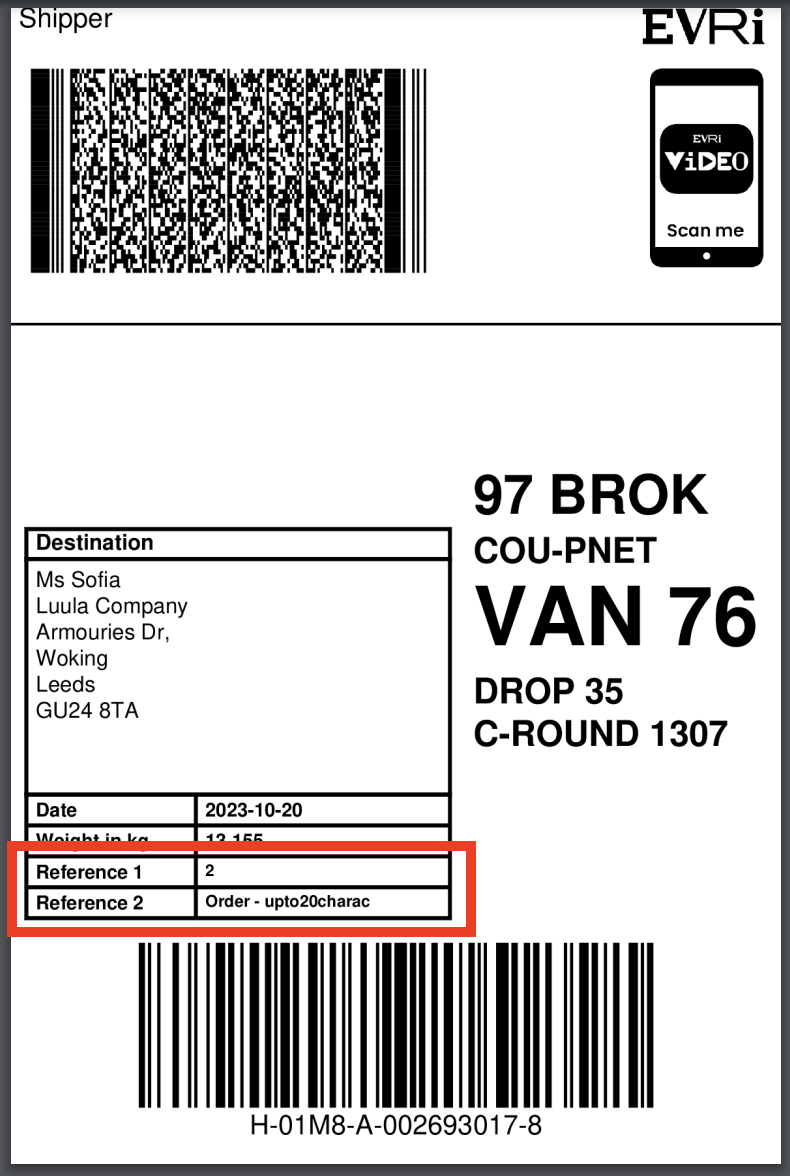
Not every carrier supports this and different carriers enable this in different ways. Refer to this table for details on Shippo supported carriers that have enabled this feature.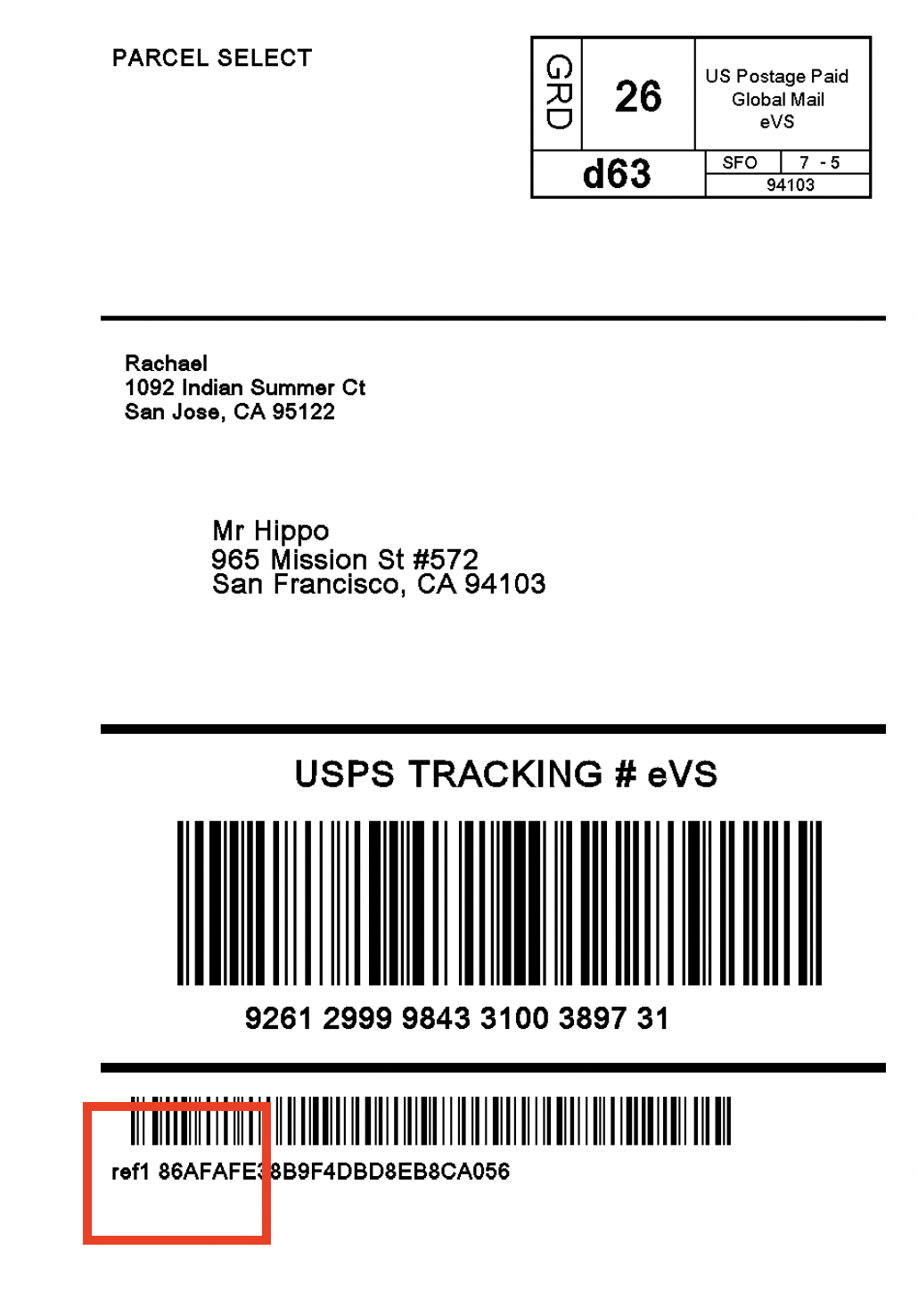
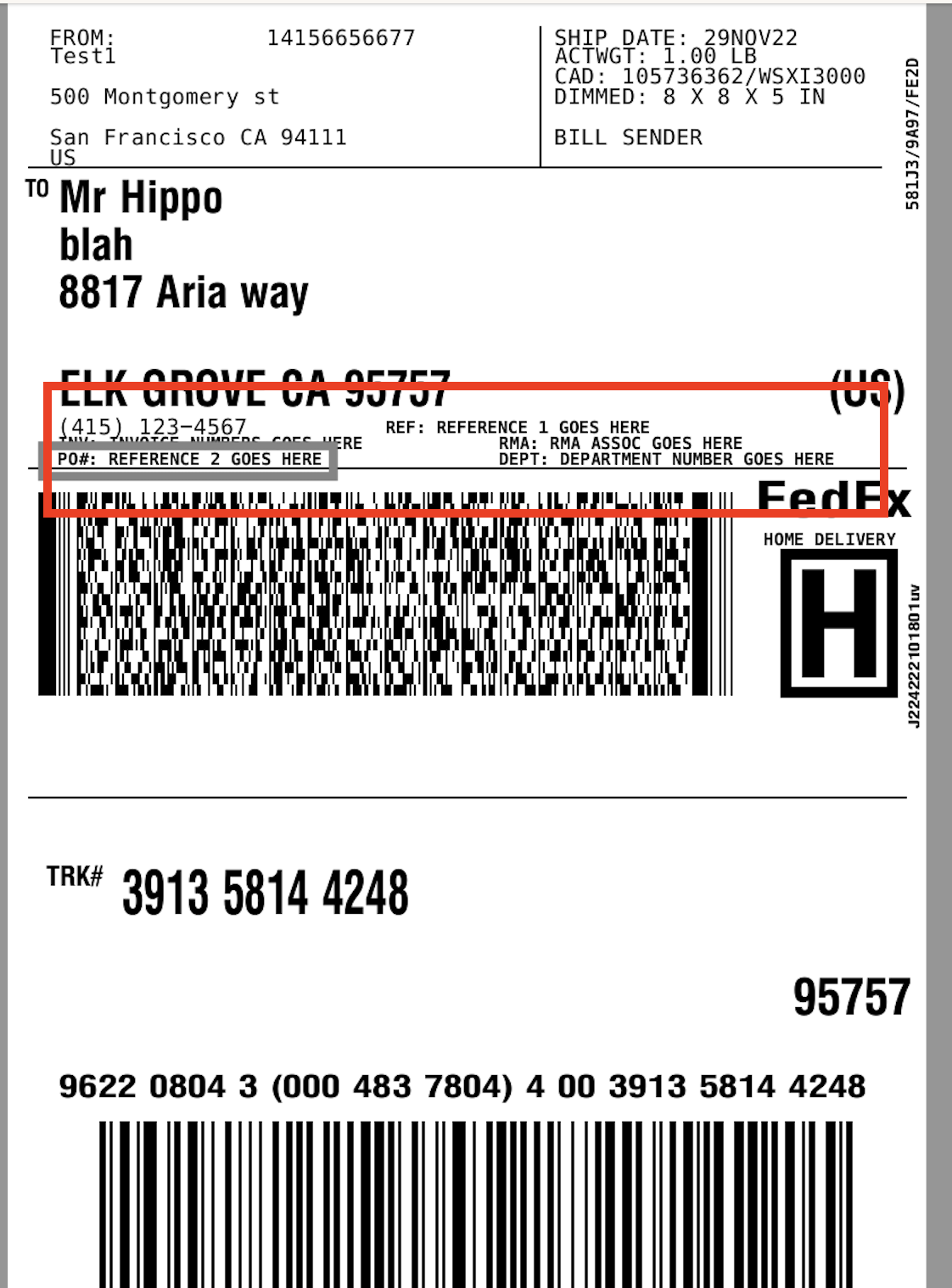
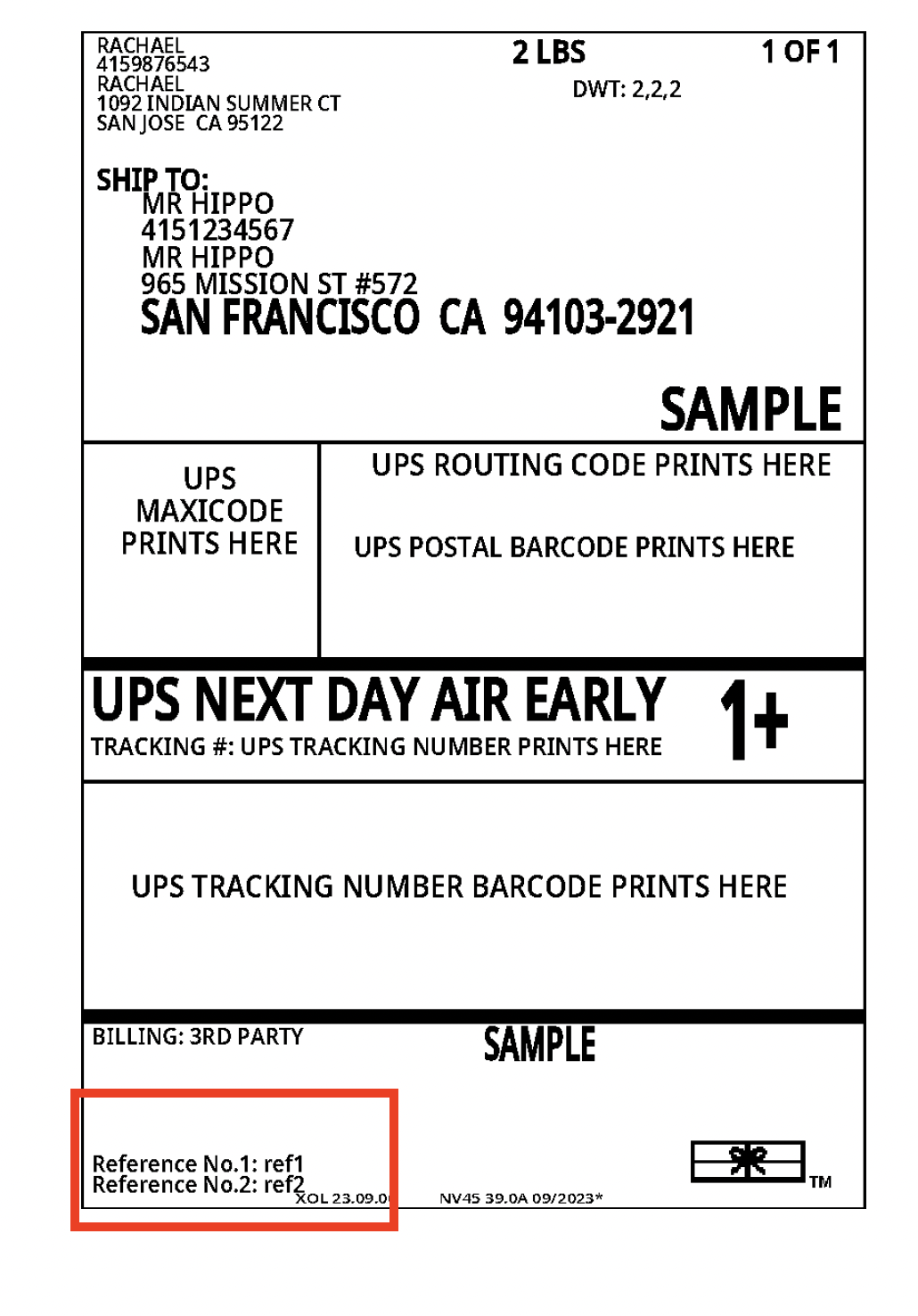
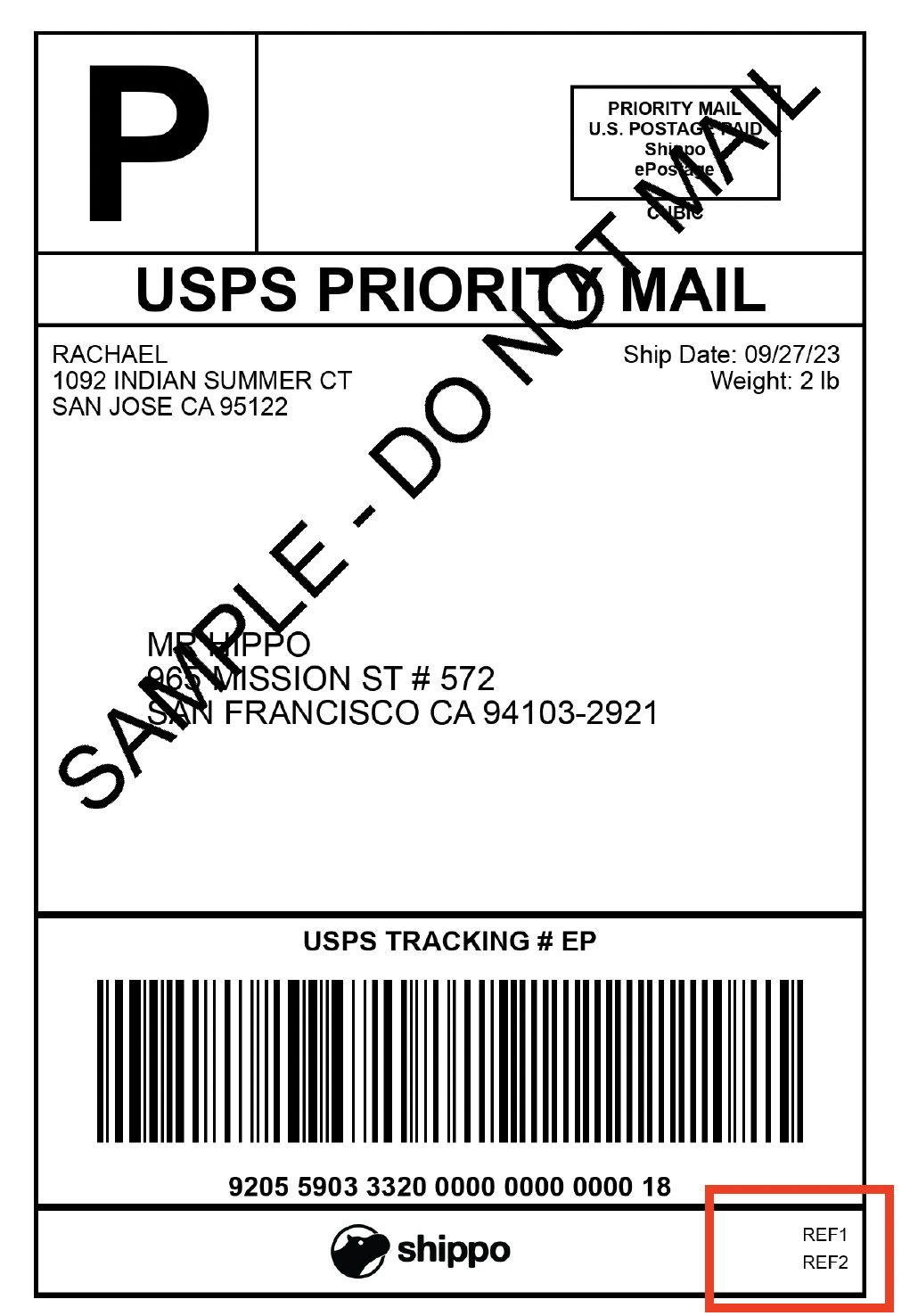
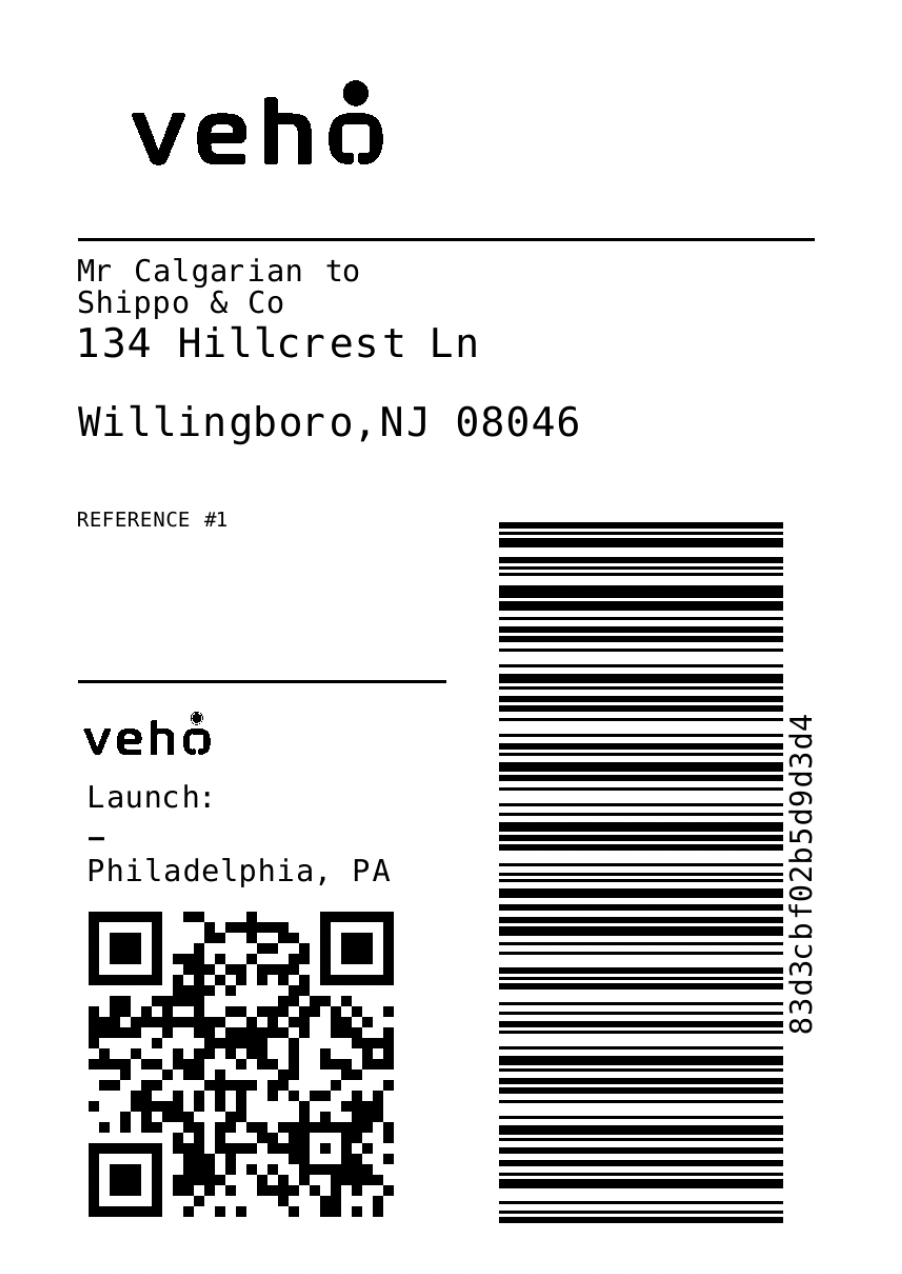
Add reference details to a Shipment
To add reference details to a label for a supported carrier, use the fieldsreference_1 and reference_2 in the Shipments Extras object.
noteFor versions
2014-02-11 and 2016-10-25, reference_1 and reference_2 are in the Shipments object.cURL
Add reference details to a Parcel
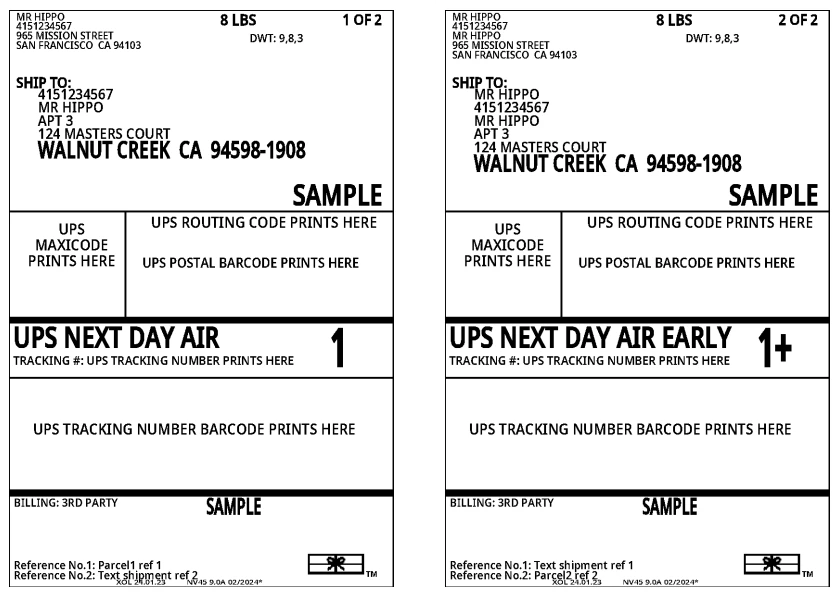
You can also define reference details in your parcel. To add reference details to a label for a supported carrier, use the fieldsreference_1 and reference_2
in the Parcels Extras object. This can be useful for multi-piece shipments where you may choose to add a different reference to each label.
If you define both a parcel reference and a shipment reference, the parcel reference will be printed on your label (if your carrier supports it).
Follow this example showing how to set different references for each label in a multi-piece shipment.
cURL
Add additional details to a FedEx label
For FedEx, Shippo supports more fields where you can add more information. In the Shipments Extras object, you can use the following fields.customer_referencepo_numberdept_numberinvoice_numberrma_number
cURL
- If
customer_referenceis used, reference_1 will be ignored. - If
po_numberis used, reference_2 will be ignored. - If
invoice_numberis used, for international shipments,shipment.customs_declaration.invoicewill be ignored.
Omnichannel shipping with FedEx
You can also customize FedEx’s label prefixes to meet those requirements for omnichannel shipping and label specific SOPs. Note, this applies to ZPL labels only. The following example uses the ARN which is a unique shipment number assigned by Amazon to track the shipments and the LOAD number is a reference number for the shipment.cURL
Add additional details to a UPS label
You can add additional reference fields to UPS ZPL II labels. UPS allows a maximum of five reference fields for a single label. In the Shipments Extras object, you can use the following fields.accounts_receivable_customer_accountappropriation_numberbill_of_lading_numbercod_numbercustomer_referencedealer_order_numberdept_numberfda_product_codeinvoice_numbermanifest_numbermodel_numberpart_numberpo_numberproduction_codepurchase_request_numberrma_numbersalesperson_numberserial_numberstore_numbertransaction_reference_number
ref_sort to define the order your references are printed on your label. If you choose to use ref_sort, you cannot use the same number more than once. If you choose to set ref_sort for one reference, you must set ref_sort for all other supported UPS references.