

Inbound IP allowlist
The first option is to add Shippo’s IP range to your inbound allowlist and ignore messages that did not originate from those addresses. Add the following Shippo IP addresses to your inbound allowlist.US region
EU region
Self-generated tokens
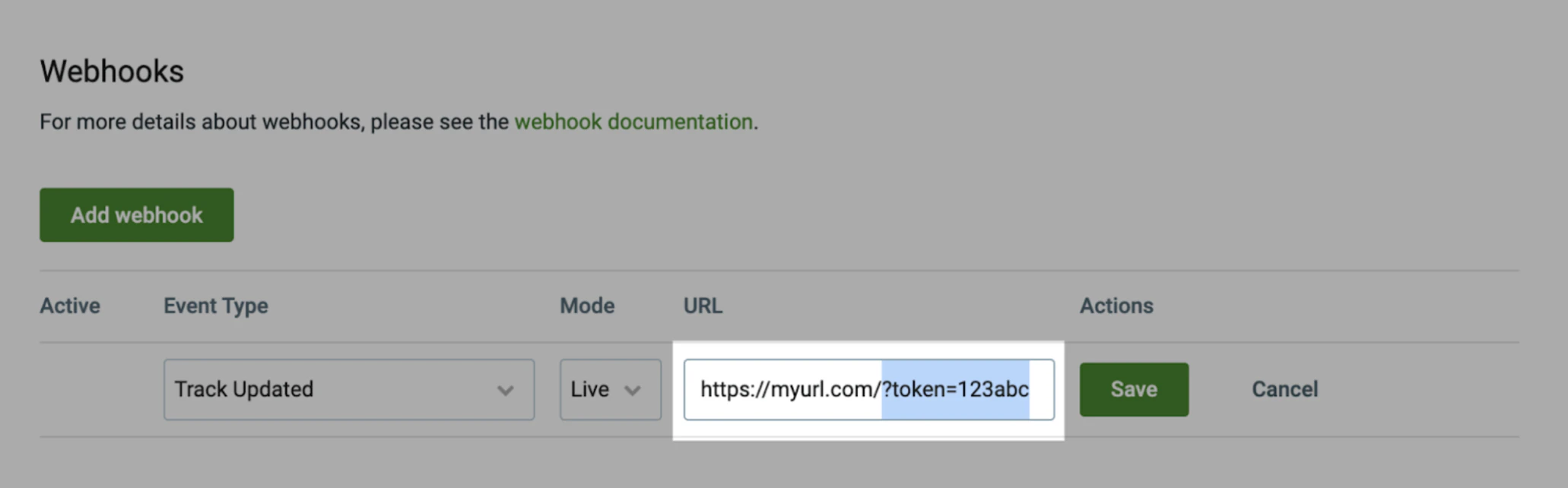
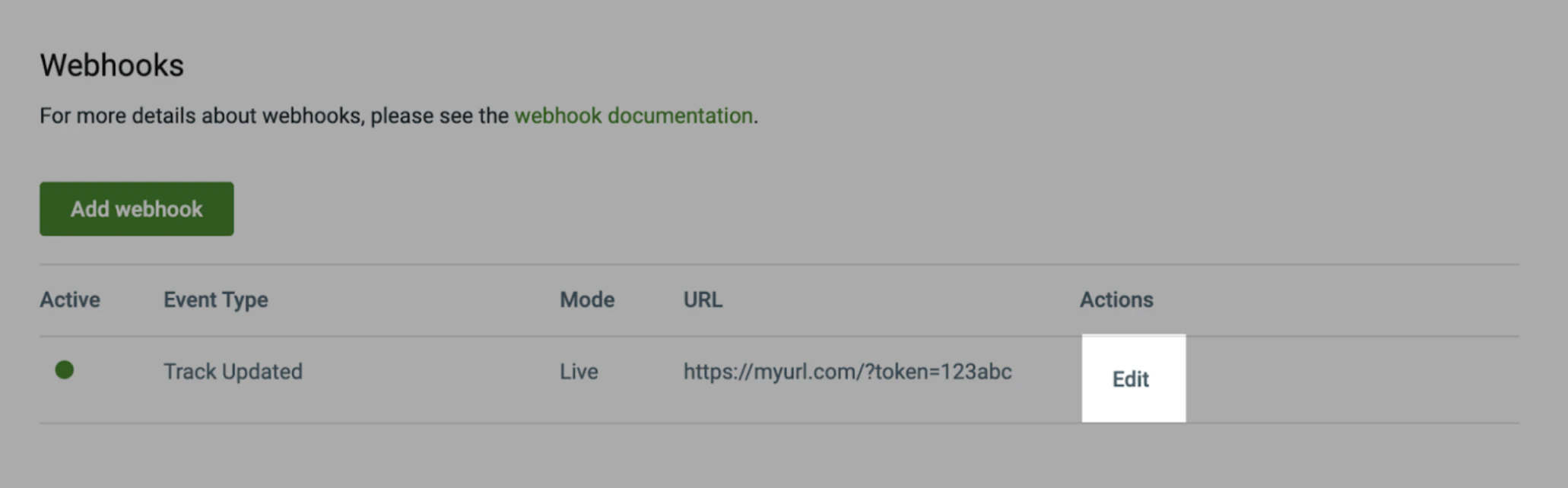
You can add self-generated tokens to the end of the request URL query parameter like https://myurl.com/?token=123abc when you create your webhook using the Shippo webapp. To generate a webhook, follow these steps:- Sign in to your Shippo account
- In the left hand menu, click Setting, then API
- In the API menu, find the Webhooks section
- Click Add webhook to create a new webhook
- Enter your Event Type, Mode, and URL.
- In the URL field, add your self-generated token to the end of your tracking URL, in the format ?token=123abc, where “123abc”, is your self-generated token.
- Click Save
HMAC Security
Hash-based Message Authentication Code HMAC security is a combination of a security hash shared from you to Shippo and a second from Shippo to you. This is more secure because the tokens are known systemically to each recipient of a request or response and block attacks such as a man in the middle. To set up HMAC for webhooks, email your account manager with the following subject line or contact our sales team adding the following to theAdditional Details: section.